Insights > Model Configurations
How To Showcase Multiple Equipment Configurations
Many industrial machines are never built exactly the same way twice. Conveyor lengths change, guarding layouts are modified, optional stations are added, and customers often request features that make every project slightly different from the last. This flexibility creates a challenge for marketing and sales teams. Traditional photography can only show equipment that already exists. When every customer receives a slightly different machine, photographs quickly become outdated or fail to represent the available options.
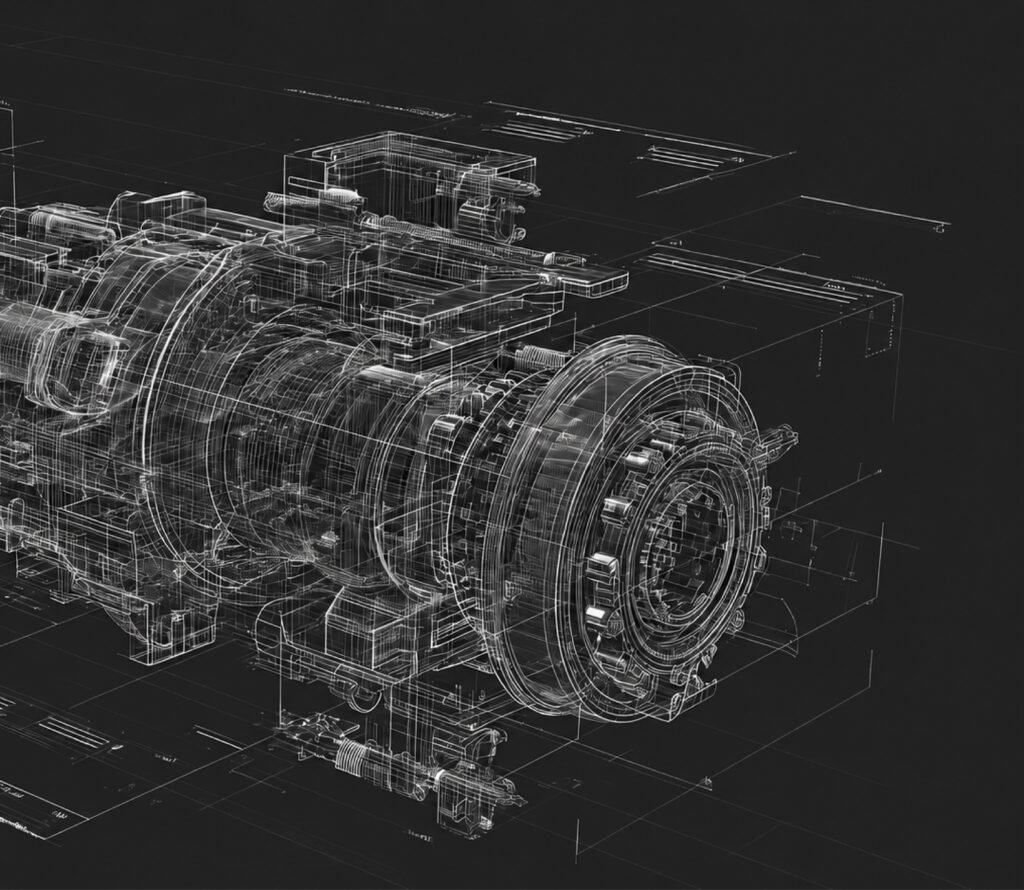
Visualization offers a practical solution. By using engineering CAD models, manufacturers can create accurate renderings and animations that showcase multiple equipment configurations without needing to build every variation. This article explores why configurable machinery is difficult to market using traditional methods and how manufacturers are using 3D visualization to communicate product flexibility more effectively.
Why Configurable Equipment Is Difficult to Photograph
Photography works best when a product has a single, consistent design. Industrial equipment rarely fits that description. A conveyor may be available in dozens of lengths and widths. A packaging machine might support several infeed options, multiple discharge systems, or customer-specific guarding. Automation cells often include different robot models depending on the application.
Capturing every possible variation with photography quickly becomes impractical. Even if multiple machines are available, organizing separate photo shoots for every configuration is expensive and time consuming. As new options are introduced, existing marketing material can become outdated almost immediately. Manufacturers are often left choosing between using inaccurate photos or relying on technical drawings that are difficult for customers to interpret.
CAD Models Make Every Configuration Accessible
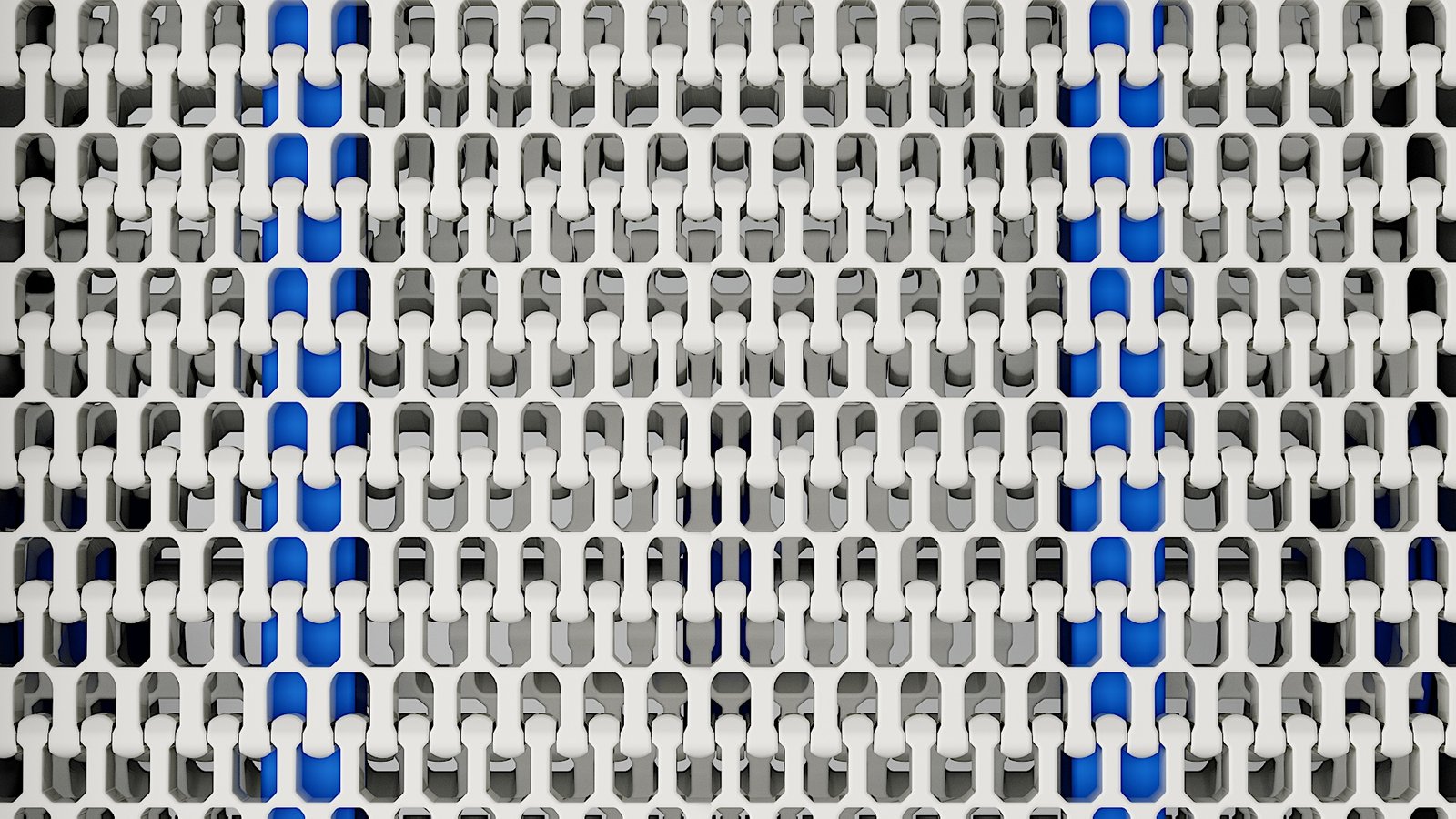
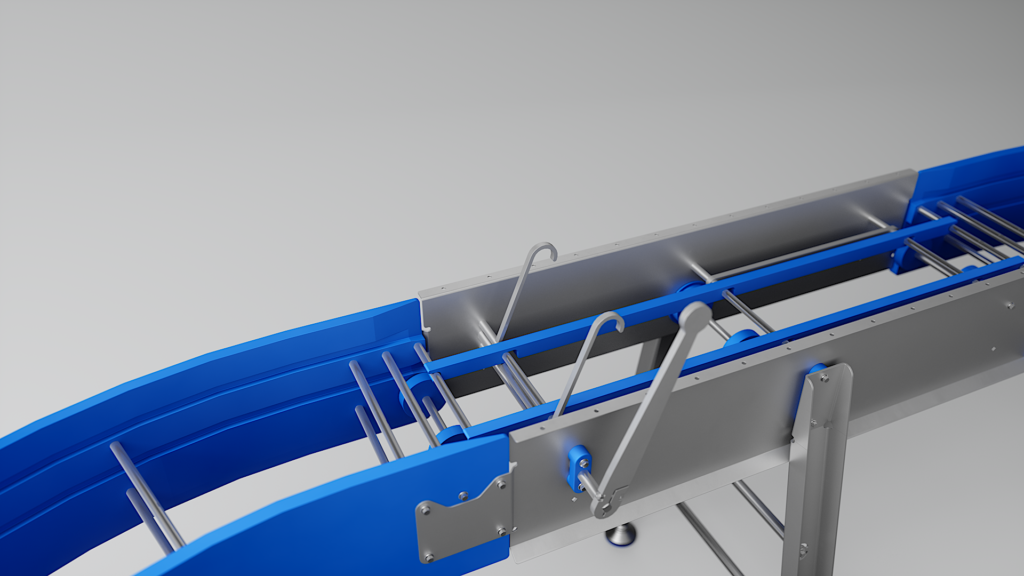
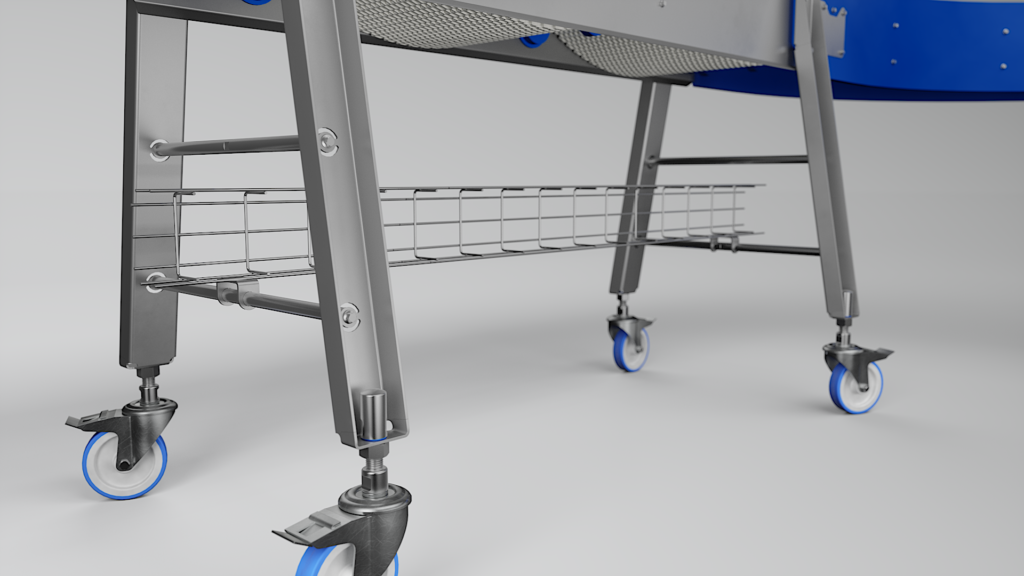
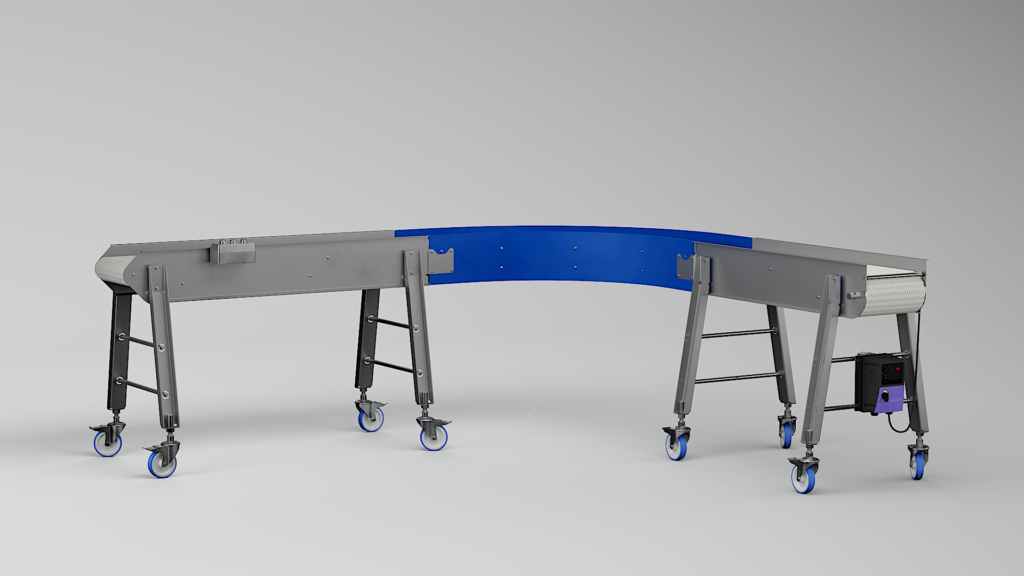
Engineering teams already build every machine variation digitally before manufacturing begins. Instead of photographing finished equipment, manufacturers can use those engineering models to create accurate visualizations of every configuration they offer. A conveyor can be shown with different belt styles, support legs, side guides, and drive locations. Packaging equipment can be visualized with optional modules enabled or removed. Robotic systems can demonstrate different end effectors or production layouts without rebuilding the entire scene. Since every variation originates from the engineering model, the resulting images remain technically accurate while giving customers a much clearer understanding of the available options.
Common Configuration Changes That Can Be Visualized
Lengths and widths
Belt styles
Guarding options
Customer branding
Machine layouts
Product handling accessories
Helping Customers Understand Their Options
Choosing industrial equipment often involves comparing several possible configurations before making a final decision. Technical specification sheets explain the differences, but many customers still struggle to visualize how each option affects the overall machine. Visualization allows those comparisons to happen much more naturally. Instead of reviewing several engineering drawings, customers can see two or three configurations side by side. Optional features become immediately obvious, making discussions more productive and reducing misunderstandings during the sales process. This approach is especially valuable for first-time customers who may have limited experience with the equipment being proposed.
Reducing Marketing Work for Product Variations
Without visualization, every new machine variation often requires updated brochures, revised website imagery, new presentation graphics, and additional photography. By working from CAD models, much of that work becomes significantly easier. Once a visualization scene has been created, individual components can be swapped, removed, or repositioned to represent new configurations. Manufacturers can continue expanding their product line without recreating every marketing asset from the beginning. This creates a scalable workflow where marketing materials evolve alongside the product rather than being replaced each time a new option becomes available.
Supporting Custom Equipment Sales
Many industrial manufacturers specialize in custom machinery rather than standard catalog products. In these situations, customers are often purchasing equipment that has never been manufactured before. Traditional photography simply cannot demonstrate something that does not yet exist.
Visualization fills that gap. Renderings and animations generated from engineering models allow manufacturers to present proposed equipment before fabrication begins. Customers gain confidence by seeing realistic representations of the final system instead of relying entirely on CAD screenshots or technical drawings. This often leads to more productive design reviews, faster customer approvals, and fewer surprises later in the project.
Showing Product Families Instead of Individual Machines
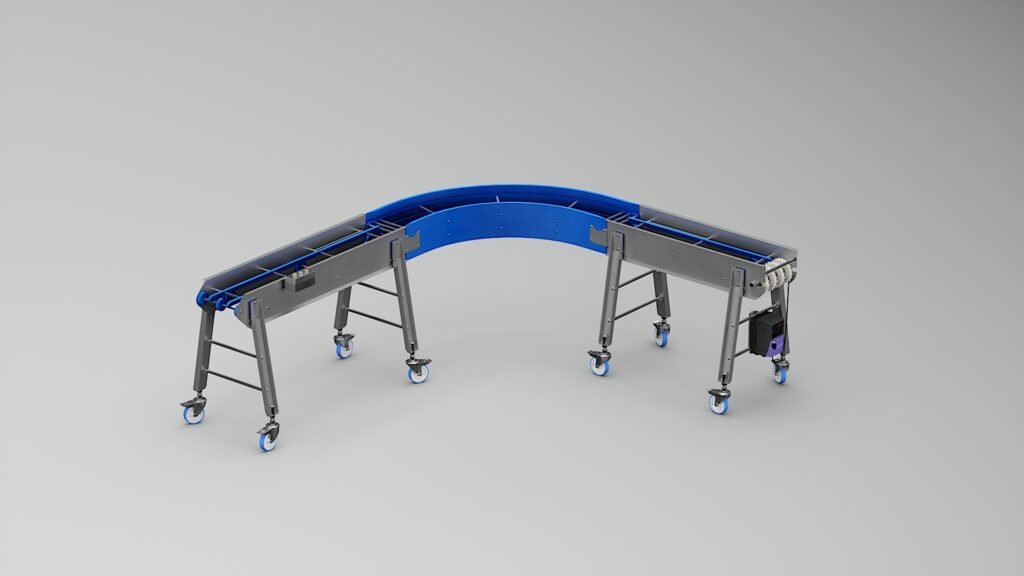
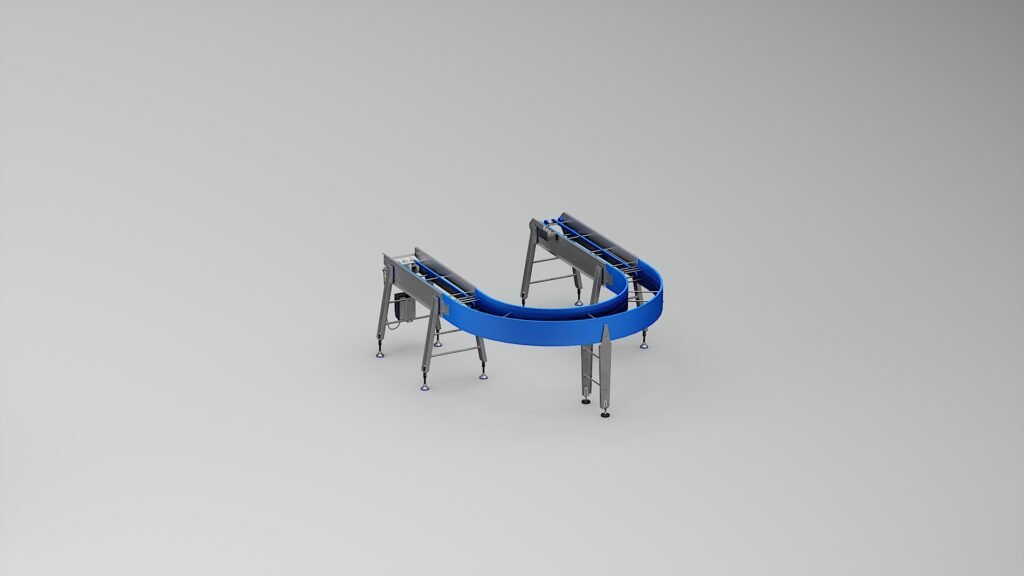
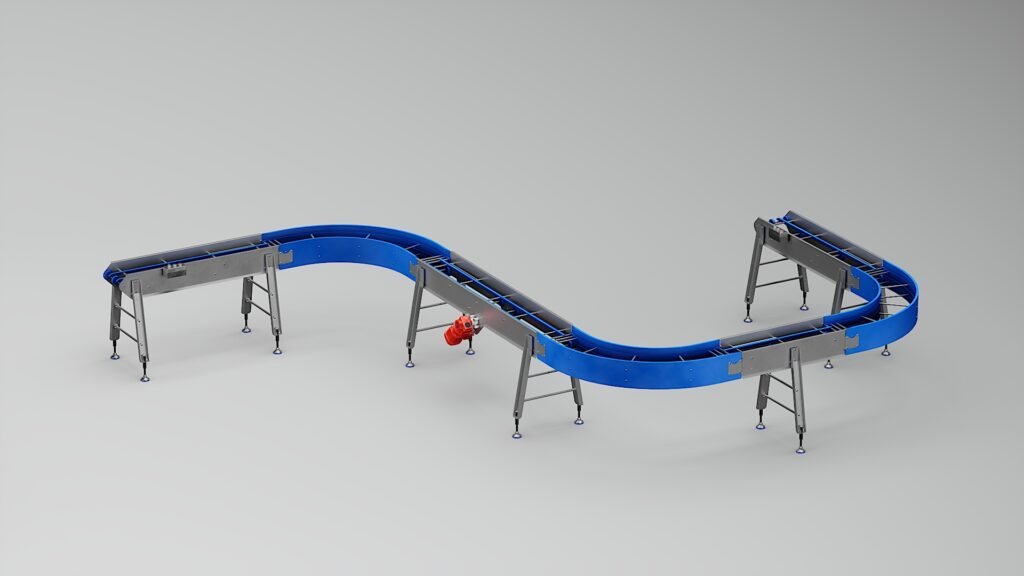
Many manufacturers offer entire product families rather than one fixed machine. For example, a conveyor manufacturer may offer straight conveyors, curved conveyors, incline conveyors, sanitary conveyors, and modular systems that share many common components.
Instead of creating independent marketing assets for every individual product, visualization allows companies to build a consistent visual language across the entire product range. Customers quickly recognize shared design features while still understanding the differences between each model. This creates a more professional brand experience and makes expanding product lines much easier to market over time.
A Better Experience at Trade Shows and Sales Meetings
Configurable equipment can be difficult to explain in a booth or conference room. Sales teams often rely on engineering drawings, printed brochures, or photographs that only represent one version of the product. Interactive renderings and animations allow representatives to demonstrate several configurations during a single conversation. Customers can see how optional features affect the machine, compare layouts, and understand the flexibility built into the equipment. These visual demonstrations help sales conversations become more engaging while reducing uncertainty during the buying process.
Final Thoughts
Manufacturers that build configurable equipment face a unique marketing challenge. Every customer may receive a different machine, yet sales teams still need clear visuals that explain the available options. Engineering CAD models already contain the information needed to create accurate renderings and animations for multiple configurations. Rather than photographing every variation, manufacturers can build a flexible library of visual assets that evolves alongside their products. For companies selling modular conveyors, packaging machinery, automation systems, and other configurable equipment, visualization provides a practical way to communicate flexibility, simplify customer conversations, and support sales long before manufacturing begins.