Insights > CAD Files
Preparing Your CAD Files for a 3D Visualization Project
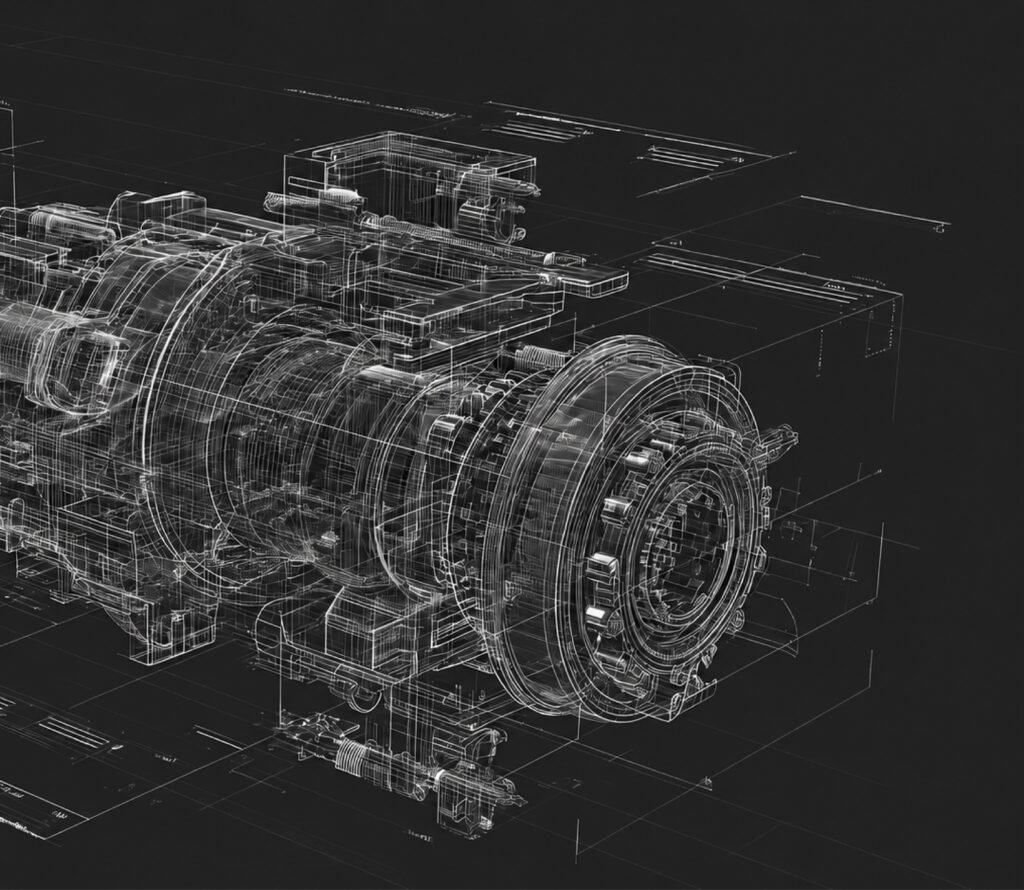
Engineering CAD models contain everything needed to create accurate renderings and animations, but the quality of the final visualization often depends on how the project is prepared before production begins. Fortunately, preparing CAD files is usually much simpler than many manufacturers expect. Most projects can begin with the same engineering models already being used for design and manufacturing. A small amount of organization at the start of the project helps reduce revisions, speeds up production, and ensures the finished visuals accurately represent the equipment. This guide explains what information is most useful, which file formats are commonly accepted, and how manufacturers can prepare their CAD data for a smooth visualization workflow.
Most Engineering CAD Models Are Ready to Use
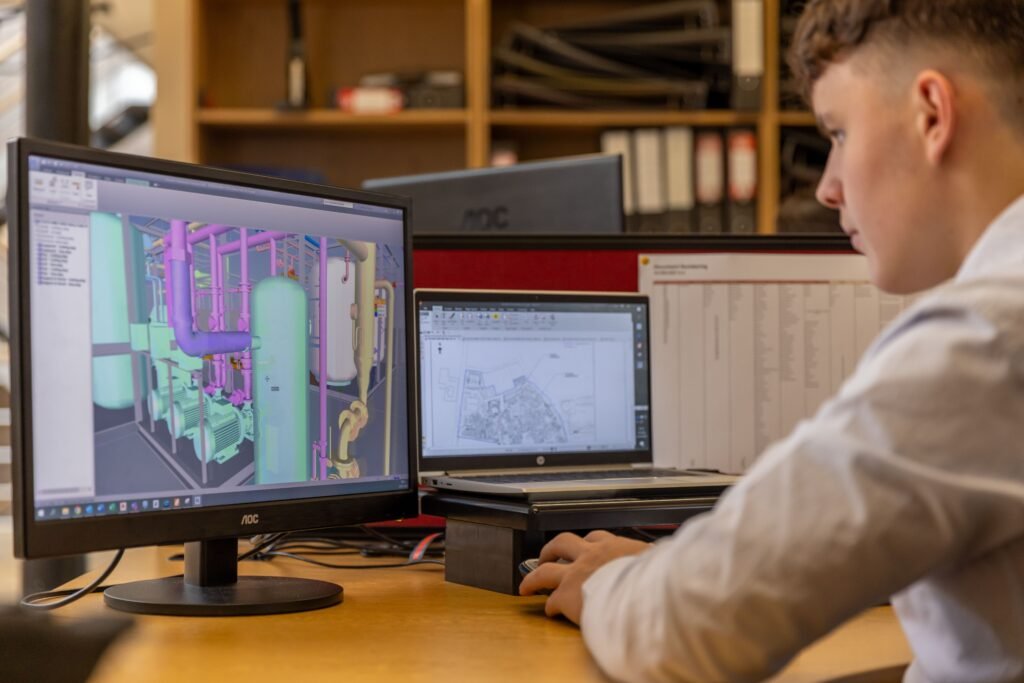
Many companies assume they need to rebuild or simplify their CAD models before sending them to a visualization provider. In most cases, that is not necessary.
Modern CAD assemblies already contain the information needed to produce realistic renderings and animations. Component geometry, assembly relationships, product dimensions, and overall machine layout are all valuable starting points.
Visualization specialists routinely work with engineering models that were originally created for manufacturing rather than marketing. While minor cleanup is sometimes helpful, manufacturers rarely need to spend significant engineering time preparing files before a project can begin.
Native CAD Files Usually Produce the Best Results
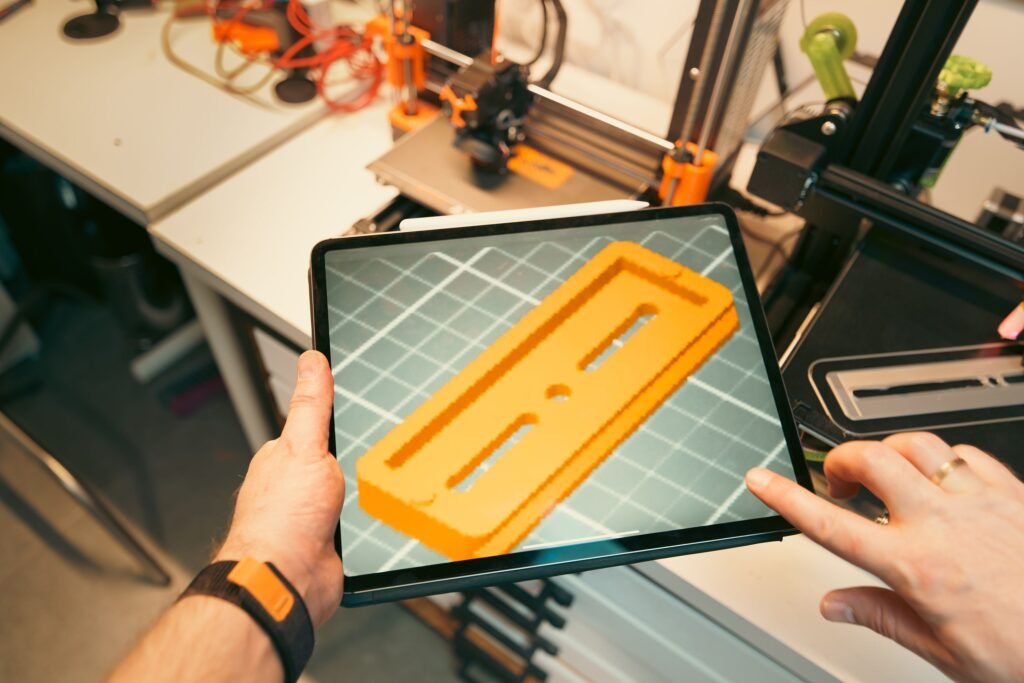
Whenever possible, native CAD files provide the most flexibility during production. Software such as Autodesk Inventor, SolidWorks, Solid Edge, Creo, Siemens NX, and Onshape all preserve valuable assembly information that helps accelerate the visualization process.
Neutral formats such as STEP files also work well and are commonly used when native files cannot be shared. The most important factor is not necessarily the file format itself, but whether the complete assembly structure and all required components are included.
Common CAD Formats Accepted
STEP
Autodesk Inventor
SolidWorks
Parasolid
Siemens NX
Onshape
Keep the Assembly Structure Intact
One of the most useful aspects of engineering CAD data is the existing assembly hierarchy. Individual components are already grouped into logical assemblies, making it easier to isolate machine sections, animate moving components, and create exploded views when required.
Sending the complete assembly, rather than exporting individual parts separately, helps preserve this structure and reduces unnecessary preparation work. If a project includes multiple machine variations, it is also helpful to identify which assemblies belong to each configuration before production begins.

Include Reference Material Whenever Possible
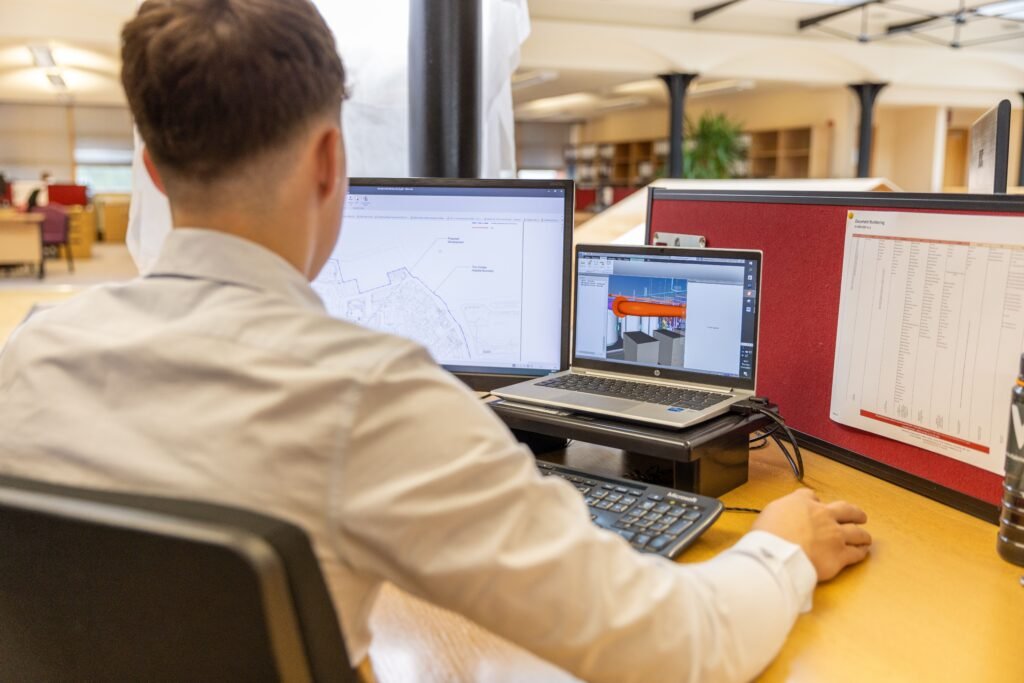
CAD geometry defines what the machine looks like, but additional reference material often improves the realism of the final visualization. Product samples, photographs of existing equipment, brand guidelines, paint specifications, and customer-facing documentation all provide valuable context during production.
These references help ensure materials, colors, labels, and overall presentation match the finished equipment as closely as possible. Even simple smartphone photographs taken around the shop floor can answer questions that may not be obvious from the CAD model alone.
Identify the Goals Before Production Begins
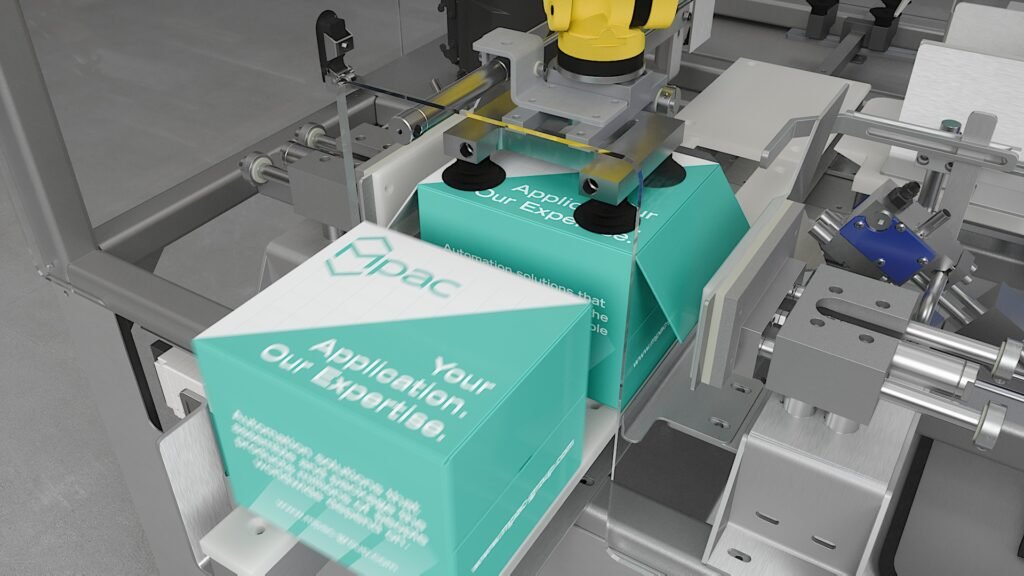
Every visualization project is created for a specific purpose. An animation for a trade show has different requirements than one produced for customer training. A rendering for a product launch may focus on exterior appearance, while a technical animation may need to demonstrate internal mechanisms or product flow.
Discussing these objectives early allows the visualization team to plan camera movements, determine which machine features deserve emphasis, and recommend the most effective style of presentation. A short planning discussion at the beginning often prevents unnecessary revisions later.
Share Known Design Changes Early
Engineering projects continue evolving throughout development. Dimensions change, guarding is updated, optional stations are added, and customer requirements sometimes shift before manufacturing begins.
Sharing anticipated design changes as early as possible allows the visualization workflow to adapt alongside engineering. Small updates made during production are generally much easier to accommodate than major revisions introduced after rendering is complete. This collaborative approach keeps both engineering and marketing aligned throughout the project.
Organize Supporting Assets
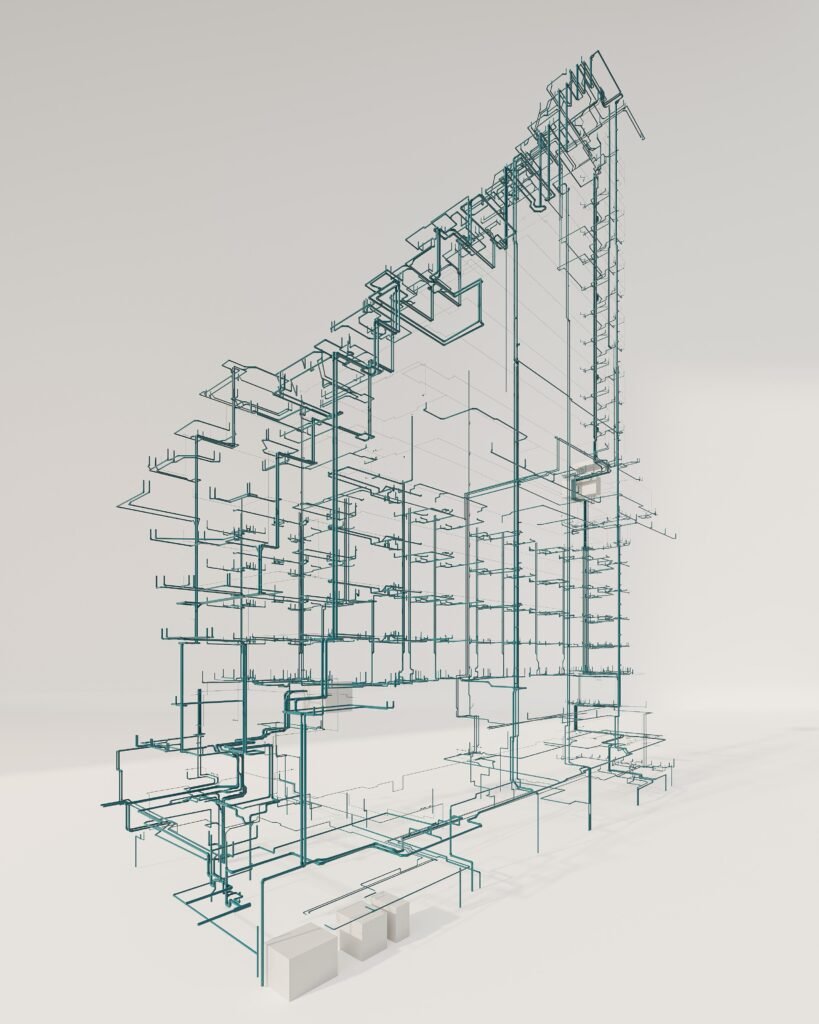
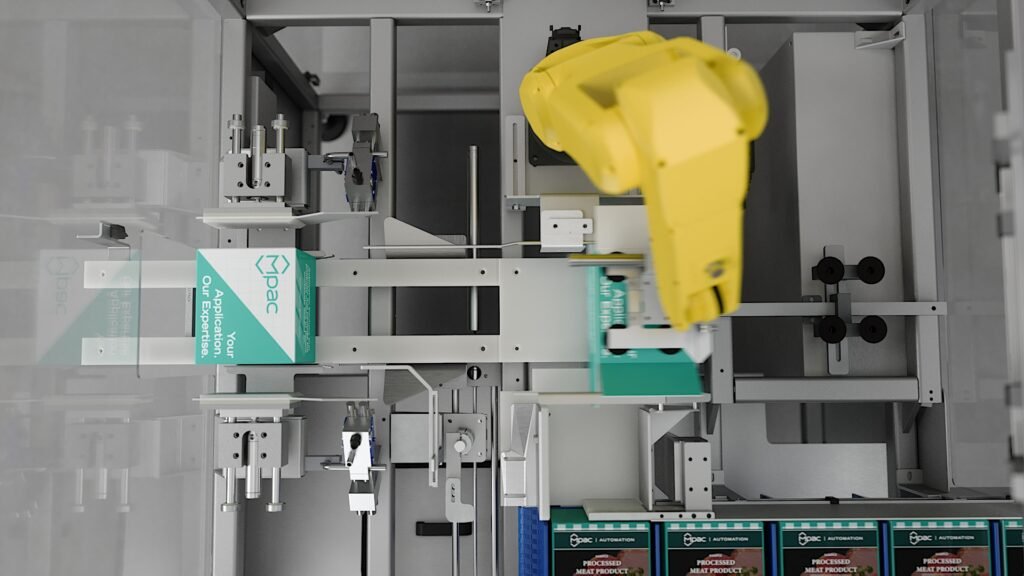
While the CAD model forms the foundation of the project, several additional assets are commonly incorporated into the final visualization. These might include company logos, product packaging artwork, operator models, factory layouts, or branding elements that appear throughout the animation. Providing these assets together with the CAD files helps streamline production and keeps the project moving efficiently.
What Happens After the Files Are Received?
Many manufacturers are unsure what occurs once the CAD files leave their engineering department.The visualization process typically begins with a technical review of the assemblies to confirm that all required components are present. Materials are then applied, lighting is developed, cameras are planned, and the animation sequence or rendering composition is built around the project objectives.
Throughout production, review images or draft animations are usually shared so that engineering and marketing teams can verify technical accuracy before final delivery. This review process ensures the finished visuals accurately represent the equipment while allowing adjustments to be made before completion.
Final Thoughts
Preparing CAD files for a visualization project is usually much simpler than manufacturers expect. In most cases, the engineering models already created for design and manufacturing contain everything needed to produce accurate renderings and animations.
A well-organized assembly, a few supporting reference materials, and a clear understanding of the project objectives allow production to begin quickly while reducing unnecessary revisions. The result is a smoother workflow, more accurate visual content, and marketing assets that communicate complex equipment with confidence.